Remote Desktop
Remote Desktops
VNC Desktop
The common way to use remote desktops with Coder is through VNC.
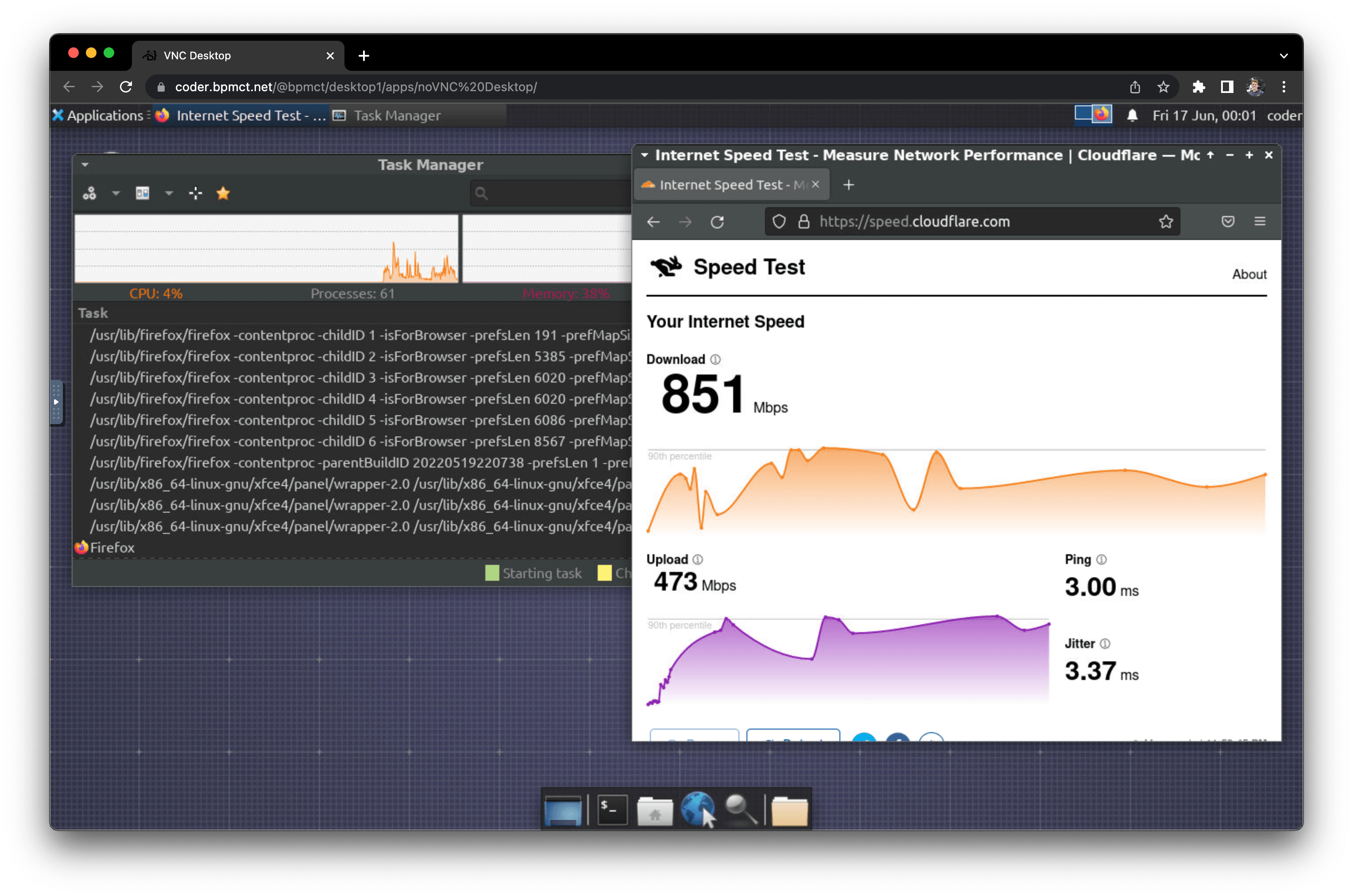
Workspace requirements:
Installation instructions vary depending on your workspace's operating system, platform, and build system.
As a starting point, see the enterprise-desktop image. It can be used to provision a Dockerized workspace with the following software:
- Ubuntu 24.04
- XFCE Desktop
- KasmVNC Server and Web Client
RDP Desktop
To use RDP with Coder, you'll need to install an RDP client on your local machine, and enable RDP on your workspace.
CLI
Use the following command to forward the RDP port to your local machine:
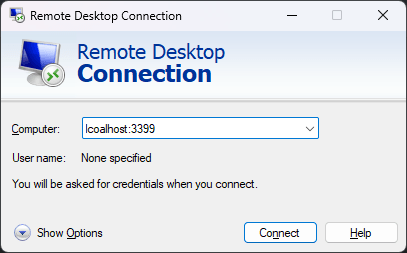
coder port-forward --tcp 3399:3389
Then, connect to your workspace via RDP at localhost:3399.
RDP with Coder Desktop (Beta)
Coder Desktop's Coder Connect feature creates a connection to your workspaces in the background. There is no need for port forwarding when it is enabled.
Use your favorite RDP client to connect to .coder instead of localhost:3399.
> [!NOTE]
> Some versions of Windows, including Windows Server 2022, do not communicate correctly over UDP
> when using Coder Connect because they do not respect the maximum transmission unit (MTU) of the link.
> When this happens, the RDP client will appear to connect, but displays a blank screen.
>
> To avoid this error, Coder's Windows RDP module
> disables RDP over UDP automatically.
>
> To disable RDP over UDP, run the following in PowerShell:
>
> powershell > New-ItemProperty -Path 'HKLM:\SOFTWARE\Policies\Microsoft\Windows NT\Terminal Services' -Name "SelectTransport" -Value 1 -PropertyType DWORD -Force > Restart-Service -Name "TermService" -Force >
You can also use a URI handler to directly launch an RDP session.
The URI format is:
coder:///v0/open/ws//agent//rdp?username=&password=
For example:
coder://coder.example.com/v0/open/ws/myworkspace/agent/main/rdp?username=Administrator&password=coderRDP!
To include a Coder Desktop button on the workspace dashboard page, add a coder_app resource to the template:
locals {
  server_name = regex("https?:\\/\\/([^\\/]+)", data.coder_workspace.me.access_url)[0]
}

resource "coder_app" "rdp-coder-desktop" {
  agent_id     = resource.coder_agent.main.id
  slug         = "rdp-desktop"
  display_name = "RDP with Coder Desktop"
  url          = "coder://${local.server_name}/v0/open/ws/${data.coder_workspace.me.name}/agent/main/rdp?username=Administrator&password=coderRDP!"
  icon         = "/icon/desktop.svg"
  external     = true
}
> [!NOTE]
> The default username is Administrator and the password is coderRDP!.
RDP Web
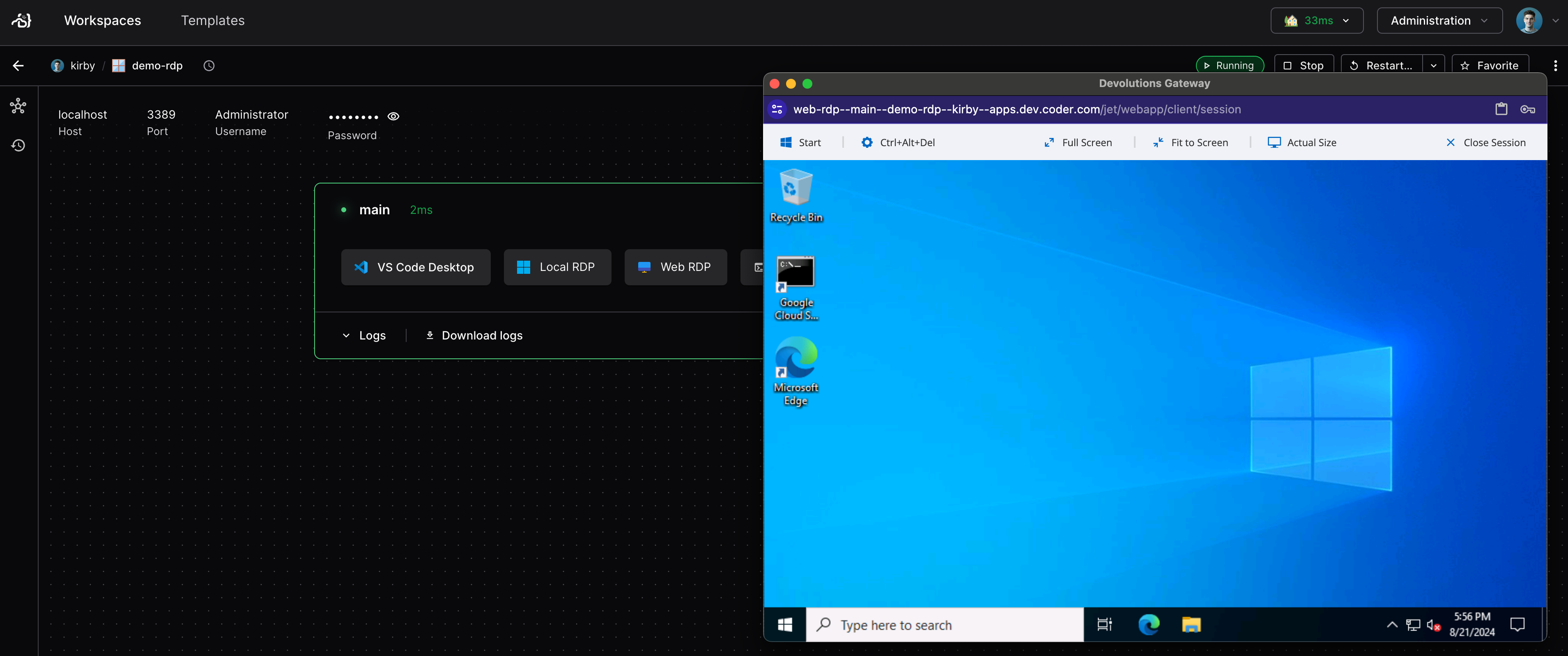
Our Windows RDP module in the Coder Registry adds a one-click button to open an RDP session in the browser. This requires just a few lines of Terraform in your template, see the documentation on our registry for setup.
Amazon DCV Windows
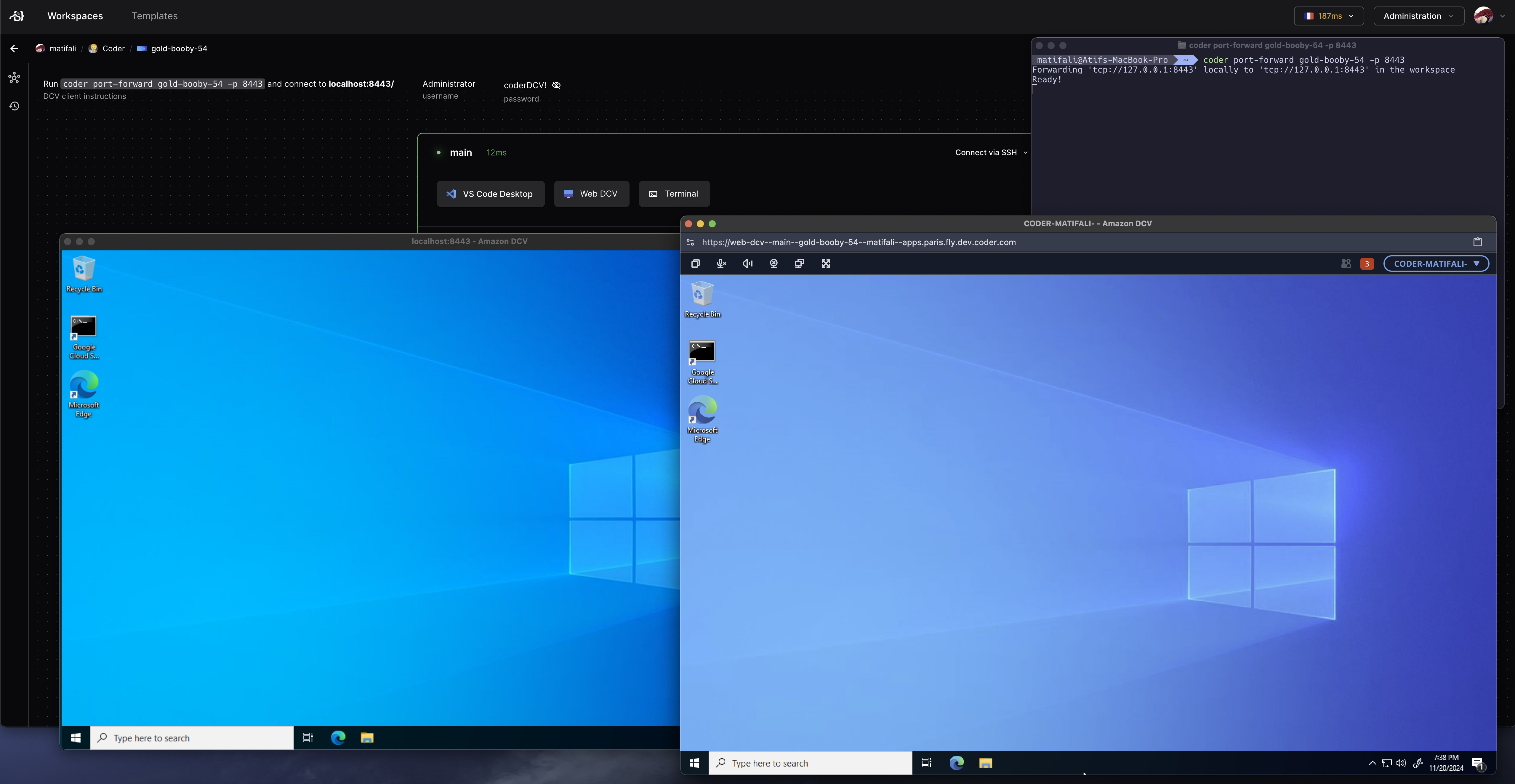
Our Amazon DCV Windows module adds a one-click button to open an Amazon DCV session in the browser. This requires just a few lines of Terraform in your template, see the documentation on our registry for setup.