Create a Coder template for agents
Create a Coder template for agents
> [!NOTE] > > This functionality is in beta and is evolving rapidly. > > When using any AI tool for development, exercise a level of caution appropriate to your use case and environment. > Always review AI-generated content before using it in critical systems. > > Join our Discord channel or > contact us to get help or share feedback.
Overview
This tutorial will guide you through the process of creating a Coder template for agents.
Prerequisites
- A Coder deployment with v2.21 or later
- A template that is pre-configured for your projects
- You have selected an agent based on your needs
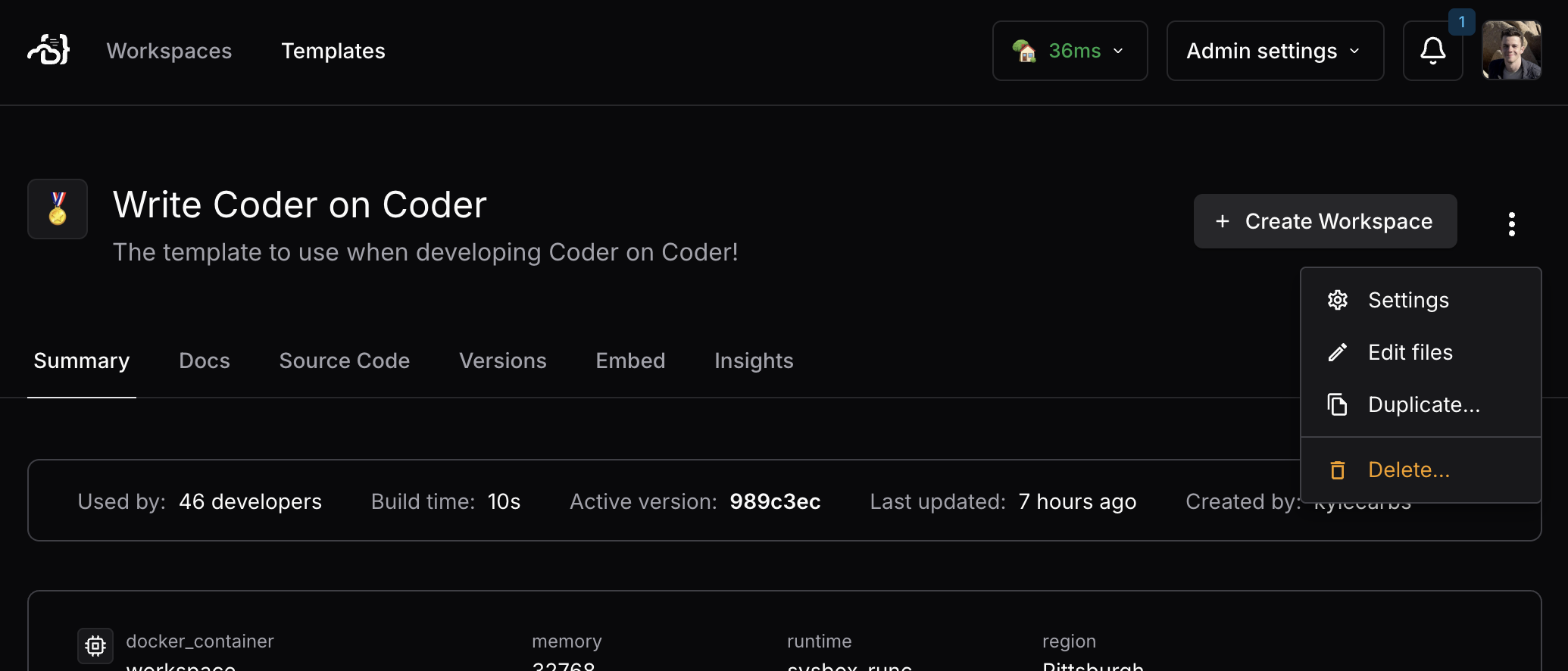
1. Duplicate an existing template
It is best to create a separate template for AI agents based on an existing template that has all of the tools and dependencies installed.
This can be done in the Coder UI:
2. Add a module for supported agents
We currently publish a module for Claude Code and Goose. Additional modules are coming soon.
Follow the instructions in the Coder Registry to install the module. Be sure to
enable the experiment_use_screen and experiment_report_tasks variables to
report status back to the Coder control plane.
> [!TIP] > > Alternatively, you can use a custom agent that is > not in our registry via MCP.
The module uses experiment_report_tasks to stream changes to the Coder dashboard:
# Enable experimental features
experiment_use_screen   = true # Or use experiment_use_tmux = true to use tmux instead
experiment_report_tasks = true
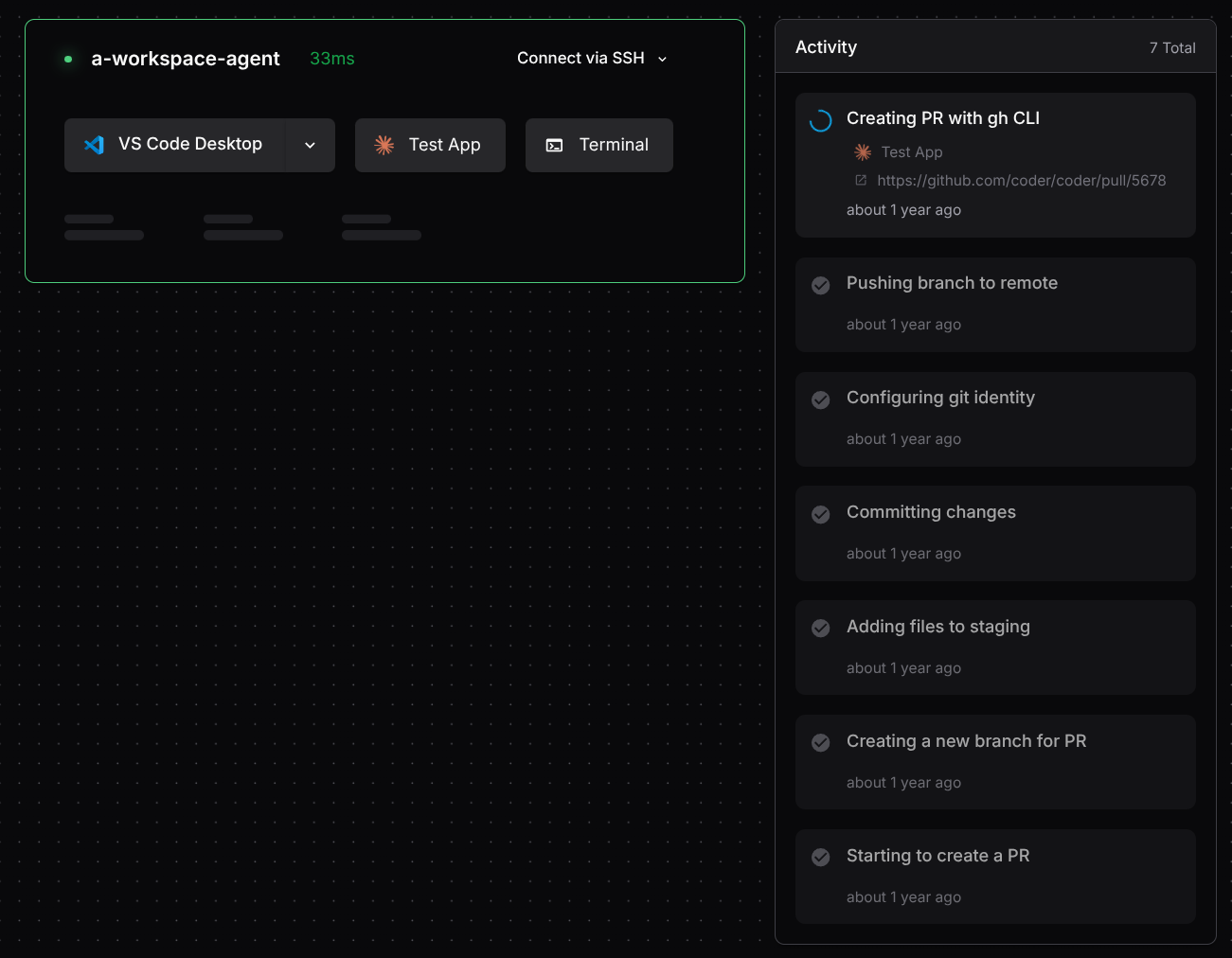
3. Confirm tasks are streaming in the Coder UI
The Coder dashboard should now show tasks being reported by the agent.